
Fulltext Search with MongoDB and Solr

In this article I am explaining how you can tie MongoDB and Solr together. With the help of a little helper script in PHP that uses MongoDB's replication features we automatically generate updates in Solr. We will first look at the MongoDB side and then the Solr side.
Replication
MongoDB's replication works by recording all operations done on a database in a log file, called the oplog. The local database contains a collection called oplog.rs that stores all those operations. The oplog is a capped collection which means they have a fixed maximum size. The operations that are stored in the oplog can be quite easily read, as it is just a normal collection in a normal database:
<?php
$m = new Mongo( 'mongodb://localhost:13000', array( 'replSet' => 'seta' ) );
$c = $m->local->selectCollection( 'oplog.rs' );
$r = $c->findOne( array( 'ns' => 'demo.article', 'op' => 'i' ) );
var_dump( $r );
?>
This script connects to MongoDB and enables a replica set connection (array(
'replSet' => 'seta' )). It then selects the local database and the oplog.rs collection. We then find one document with findOne().
The ns field can be used to restrict for which databases and collections you would want to see the operations. In this case, the findOne() call limits the operations to the demo database and the article collection.
The op field tells you what sort of operation was recorded. In some cases, the records in the oplog are not exactly what they are when you send them through a driver, as they are broken up in parts. A remove() call for example will generate a delete operation for each document in the oplog. In any case, the op types are: i for inserts, u for updates and d for deletes. n is used for notices such as the reconfiguration of the replicaset.
When running the script above, you get an output like:
array(5) {
  'ts' =>
  class MongoTimestamp#6 (2) {
    public $sec =>
    int(1338716530)
    public $inc =>
    int(1)
  }
  'h' =>
  int(5050582189860592111)
  'op' =>
  string(1) "i"
  'ns' =>
  string(12) "demo.article"
  'o' =>
  array(3) {
    '_id' =>
    string(8) "w4442243"
    'name' =>
    string(16) "Brondesbury Road"
    'tags' =>
    array(3) {
      'highway' =>
      string(9) "secondary"
      'ref' =>
      string(4) "B451"
      'source_ref' =>
      string(22) "OS OpenData StreetView"
    }
  }
}
And an update operation (type u) looks like:
array(6) {
  'ts' =>
  class MongoTimestamp#6 (2) {
    public $sec =>
    int(1338716534)
    public $inc =>
    int(1)
  }
  'h' =>
  int(644574934620412462)
  'op' =>
  string(1) "u"
  'ns' =>
  string(12) "demo.article"
  'o2' =>
  array(1) {
    '_id' =>
    string(8) "w4442243"
  }
  'o' =>
  array(1) {
    '$set' =>
    array(1) {
      'source_ref' =>
      string(6) "survey"
    }
  }
}
Tailable Cursors
One of the cool things about capped collections, is that they support something called a tailable cursor. A tailable cursor does not use an index and can only return documents in natural order. Which means the order into which documents are inserted into a collection. Hence, we can write the following PHP script to connect to the oplog and wait until new operations are made:
<?php
$m = new Mongo( 'mongodb://localhost:13000', array( 'replSet' => 'seta' ) );
$c = $m->local->selectCollection( 'oplog.rs' );
$cursor = $c->find( array( 'ns' => 'demo.article' ) );
$cursor->tailable( true );

while (true) {
    if (!$cursor->hasNext()) {
        // we've read all the results, exit
        if ($cursor->dead()) {
            break;
        }
        sleep(1);
    } else {
        var_dump( $cursor->getNext() );
    }
}
?>
In the script that we run on the command line, we use the tailable() method to configure the cursor as tailable. When we run this script however, it would just loop and use CPU time because hasNext() doesn't actually wait for new data coming in. The sleep(1) prevents the script from using 100% CPU time. From the upcoming driver releases (1.2.11/1.3.0) there will be a new awaitData() method to make hasNext() wait until there is actually new data available for the cursor. The script would then look like:
<?php
$m = new Mongo( 'mongodb://localhost:13000', array( 'replSet' => 'seta' ) );
$c = $m->local->selectCollection( 'oplog.rs' );
$cursor = $c->find( array( 'ns' => 'demo.article', 'op' => 'i' ) );
$cursor->tailable( true );
$cursor->awaitData( true );

while (true) {
    if (!$cursor->hasNext()) {
        // we've read all the results, exit
        if ($cursor->dead()) {
            break;
        }
    } else {
        var_dump( $cursor->getNext() );
    }
}
?>
When we run this script it just sits there and loops for new information to be available for the cursor. In our case, that would be if the oplog has a new item for our article collection in the demo database.
Solr

Now we have a way to wait for updates on the MongoDB side, we need to tie this into Solr. To talk to Solr I use the Solr PECL extension from http://pecl.php.net/solr that I've installed by running pecl install solr and then added extension=solr.so into my php.ini file.
I then downloaded Solr 3.6 from http://lucene.apache.org/solr/downloads.html into install:
cd install
tar -xvzf apache-solr-3.6.0.tgz
cd apache-solr-3.6.0/example
There is a configuration file in solr/conf/schema.xml. For now we will keep the defaults, but an interesting feature is is that Solr supports dynamic fields. Basically, this allows you to store any field with the type being selected by a suffix. For example the field name name_t will automatically be used as text, and addr_housenumber_l as an integer (long).
After the configuration we can start Solr with:
java -jar start.jar
This starts a Solr instance that you can access through http://localhost:8983/solr/admin/.
Mapping Field Names
In order to store things in Solr for easy searching we need to map the fields in our document to fields that Solr understands. Solr does not support nested arrays or embedded documents so we need some translation. We also will need to add the correct type suffix. As example we use the document from earlier:
<?php
$document =
        array(
                '_id' => "w4442243",
                'name' => "Brondesbury Road",
                'tags' => array(
                        'highway' => "secondary",
                        'ref' =>"B451",
                        'source_ref' => "OS OpenData StreetView",
                )
        );
?>
We map the fields in this document to Solr fields. For everything that we don't map, we assume the text type:
<?php
class Mapper
{
        static protected $map = array(
                '_id' => 'id_s',
                'name' => 'name_t',
                'tags_highway' => 'tags_highway_t',
        );

        static function doArray( $prefix, $array )
        {
                $fields = array();
                foreach ( $array as $field => $value )
                {
                        if ( is_array( $value ) )
                        {
                                $fields = array_merge(
                                        $fields,
                                        self::doArray( $prefix . $field . '_', $value )
                                );
                        }
                        else if ( isset( self::$map[$prefix . $field] ) )
                        {
                                $fields[self::$map[$prefix . $field]] = $value;
                        }
                        else
                        {
                                $fields[$prefix . $field . '_t'] = $value;
                        }
                }
                return $fields;
        }

        static function mapFields( $document )
        {
                $solrFields = self::doArray( '', $document );
                return $solrFields;
        }
}
?>
Tying It All Together
Hooking this into our oplog listener is now not very difficult, all we have to do is to include our mapper class file:
<?php
include 'mapper.php';
And establish a connection to Solr:
$options = array( 'hostname' => 'localhost' );
$client = new SolrClient($options);
Keep the original tailable cursor code:
$m = new Mongo( 'mongodb://localhost:13000', array( 'replSet' => 'seta' ) );
$c = $m->local->selectCollection( 'oplog.rs' );
$cursor = $c->find( array( 'ns' => 'demo.article', 'op' => 'i' ) );
$cursor->tailable( true );
// $cursor->awaitData( true ); PHP Driver 1.2.11 and 1.3.0 only
We can then modify our loop, to get the inserted document, pass it through the mapper, create a Solr document and add it to the Solr index:
while (true) {
        if (!$cursor->hasNext()) {
                // we've read all the results, exit
                if ($cursor->dead()) {
                        break;
                }
                sleep(1); // Only use with PHP Driver < 1.2.11
        } else {
                $document = $cursor->getNext();
                $solrFields = Mapper::mapFields( $document['o'] );

                $solrDoc = new SolrInputDocument();
                foreach ( $solrFields as $field => $value )
                {
                        $solrDoc->addField( $field, $value );
                }
                $updateResponse = $client->addDocument( $solrDoc );
                print_r($updateResponse->getResponse());
                $client->commit();
        }
}
And voilà, we have the Solr full text index update every time a new document is inserted into MongoDB:
db.article.insert( { '_id' : 'w4442244', 'name' : 'Brondesbury Villas', 'tags' : { 'highway' : 'secondary', 'ref' : 'B451', 'oneway' : true } } );
And the data shows up in Solr: http://localhost:8983/solr/select/?q=id%3Aw4442244&version=2.2&start=0&rows=10&indent=on
Obviously, a few things should also be taken into account still, which I will list here, but leave as an exercise for the reader:
-
Documents in Solr are required to have an
idfield, just like MongoDB requires a_idfield. Solr however, doesn't auto-generate one for you. -
You need to cast the values before adding them to Solr. For example, if you add string data
Brondesbury Roadto aname_l(a number) field then it bails out. -
You shouldn't really call
$client->commit()after each insert. -
Updates are not handled yet, which you could implement by:
-
Save the document into Solr again.
-
Merge the returned document with the updated values from MongoDB.
-
Querying Solr for the document to be updates.
-
-
Deletes are not handled yet.
-
You might want to do something special about arrays in the MongoDB document and map them to
multiValuedfields in Solr.
Hopefully, this was still a good and simple introduction for tying in MongoDB with Solr. You can find the two PHP scripts at http://derickrethans.nl/files/mongodb-and-solr.tgz .

Comments
Hi Derick, thanks for sharing this useful information. I was not aware of the possibilities MongoDB offers to fill a Solr index in such a nice way. This is an efficient alternative to completely rebuilding the Solr index every time.
Best regards Bret
- Thanks Derick,
-
Been meaning to look into how to do this. This will be very useful to adapt to my needs.
Sam @SamHennessy
thank you for sharing this interesting post, really it has been very helpful.
We also use both MongoDB and Elastic Search (which bas Solr in its core), we found Elastic Search easy to setup but a nightmare to develop against with the C# NEST client.
Thankfully MongoDB 2.4 has been released which has a new Free Text Search feature.
MongoDB 2.4 Release Notes: http://bit.ly/ZnSScz
I've blogged on how to use MongoDB Free Text Search: http://bit.ly/ZmfytH
It has full instructions, working code examples and links to all the documentation; it might be helpful to developers getting started.


Life Line
Updated a waste_basket
Created 11 benches, 2 life_rings, and 3 other objects; Updated 8 benches and a waste_basket; Deleted a bench and a log; Confirmed a cafe
I walked 7.8km in 1h52m27s
Tomorrow we have elections in the UK!
Lots of local authorities, all London Councils, the Welsh Senedd, and the Scottish Parliament.
Don't forget to vote if you have the right.
I get to vote for myself again 😎.
Benches, and corrections for the QE II Gardens
Addresses on College Road
Created 2 main entrances and an entrance; Updated an entrance, a residential building, and a house building
Created an apartments building and a main entrance
I walked 9.5km in 2h21m10s
Created a waste_basket
I walked 6.6km in 1h13m23s
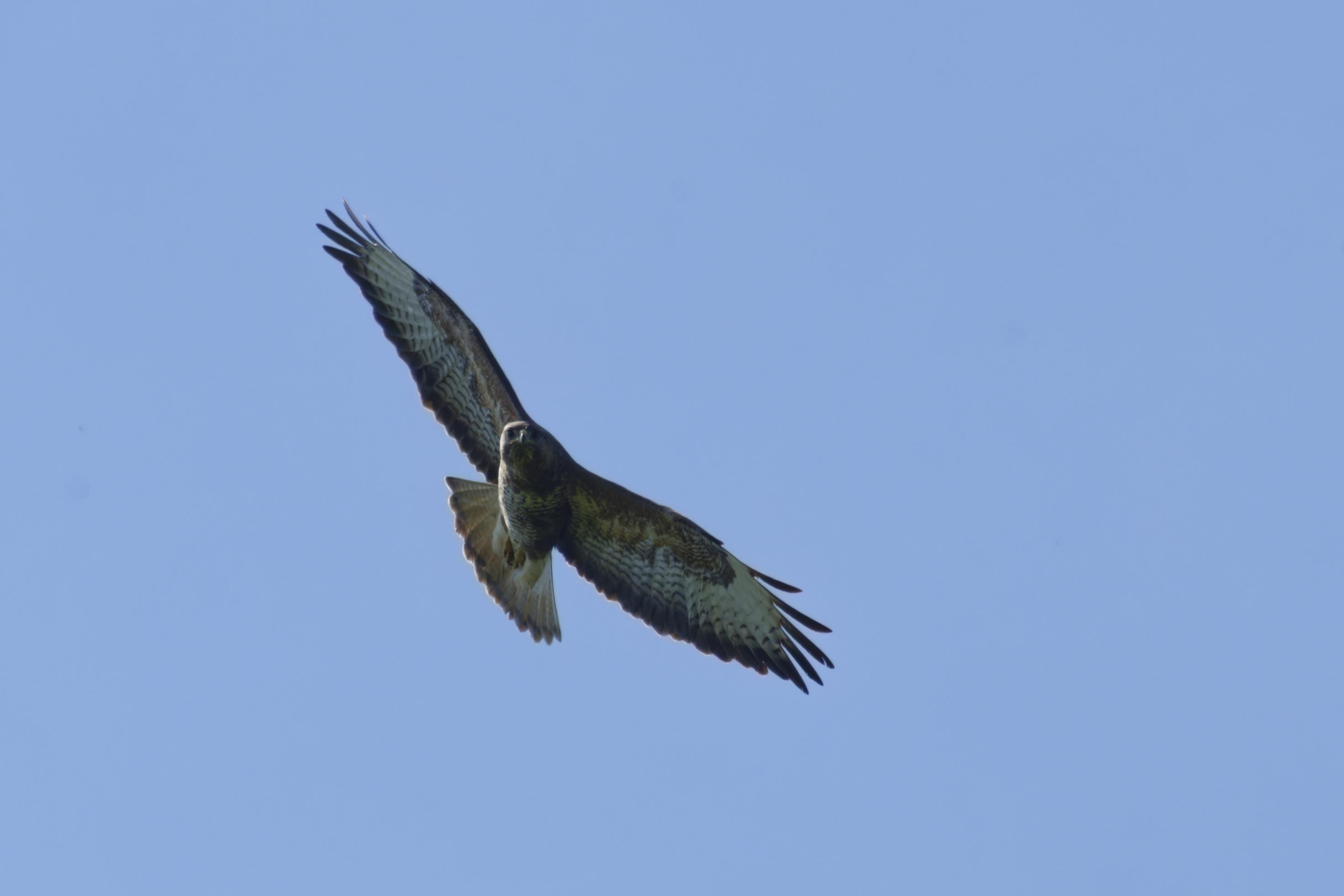
On my walk from Aylesbury to Princes Risborough I spotted a few new bird species. I didn't get all the best photos though!
A Common Buzzard, a Yellow Wagtail, a Greater White throat, and a Green Woodpecker.
#photography #Birds #BirdPhotogaphy #BirdsOfMastodon #nature #Buckinghamshire
Updated an alcohol shop
I walked 9.4km in 1h58m25s
Updated 2 benches
Created a bench; Updated a bench
I hiked 19.0km in 4h35m50s
I hiked 19.0km in 4h35m50s
I walked 6.8km in 1h15m36s
Updated an estate_agent office
I walked 4.1km in 55m33s
I walked 1.1km in 10m05s
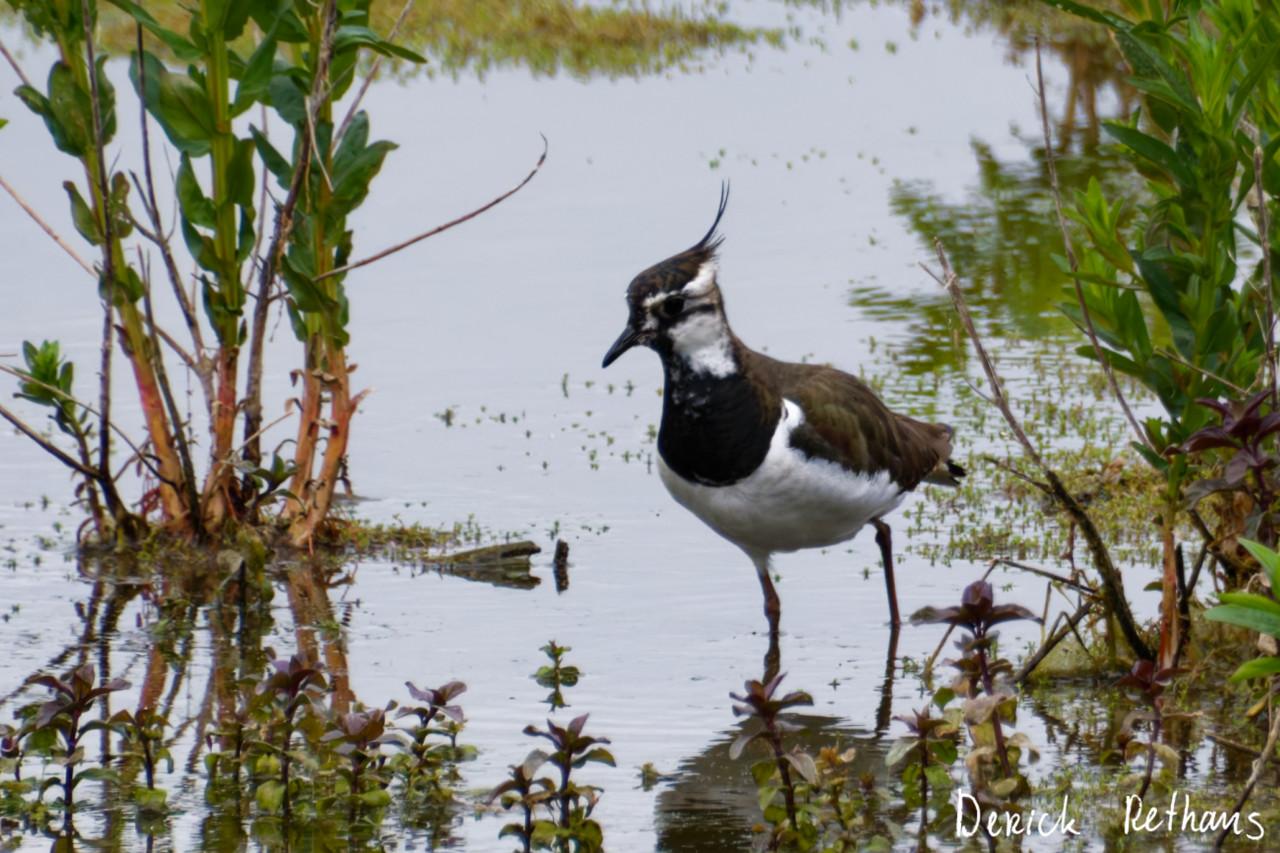
My First Lapwing!
I went to the London Wetland Centre yesterday, for a day out in nature.
While hiding in a hide, this chap and a friend showed up starting to forage for grubs.
#BirdPhotography #BirdsOfMastodon #Photography #Birds #London #Nature
Created a waste_basket; Updated a cafe and a restaurant; Confirmed an estate_agent office
I walked 6.6km in 1h8m53s
Shortlink
This article has a short URL available: https://drck.me/mongosolr-9fs