
Tweaking the Logitech R400 presenter tool on Linux
This article is a updated version of an earlier one, which describes how to tweak the R400 on non-systemd systems.
In 2002, I received a Logitech R400 presenter tool for Christmas as a replacement for the php|architect pointer that has now fallen apart. However, to use it together with my presentation system—pres2, about which I previously wrote—I need it to provide left and right arrow keypresses. By default its left and right buttons generate Prior and Next events in X. It took me a while to get this to work, so in short, this article sets out how I changed it.
First of all, I editted the file /lib/udev/hwdb.d/60-keyboard.hwdb as root. I searched for R400 and changed its entry to:
# Logitech Presenter R400
keyboard:usb:v046DpC52Dd*dc*dsc*dp*ic*isc*ip*in00*
 KEYBOARD_KEY_070029=f11
 KEYBOARD_KEY_07003e=f11
 KEYBOARD_KEY_070037=f5
 KEYBOARD_KEY_07004b=left
 KEYBOARD_KEY_07004e=right
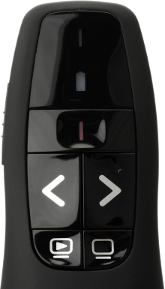
This maps the two scan codes that the Play button (lower-left) generates to f11, the empty screen button to f5 and the left and right buttons to the left and right arrow keys.
The first column represents the scancode, which I obtained by first looking up with input event the device was tied to:
stat -t /dev/input/by-id/usb-Logitech_USB_Receiver-event-kbd --printf "%N\n"
Which showed the following for me:
‘/dev/input/by-id/usb-Logitech_USB_Receiver-event-kbd’ -> ‘../event19’
To find out the scan codes, I had to download a getscancodes tool, and then compile it:
wget 'http://downloads.sourceforge.net/project/keytouch/getscancodes/getscancodes%201.0/getscancodes-1.0.tar.gz?r=http%3A%2F%2Fkeytouch.sourceforge.net%2Fdl-getscancodes.php&ts=1412723944&use_mirror=kent' -O getscancodes-1.0.tar.gz
tar -xvzf getscancodes-1.0.tar.gz
cd getscancodes/
make
With the new binary, and the event19 from above, I ran:
sudo ./getscancodes /dev/input/event19
Which showed:
458807 (0x70037)
458793 (0x70029)
458814 (0x7003e)
458827 (0x7004b)
458830 (0x7004e)
With these numbers, I now had enough information to edit the /lib/udev/hwdb.d/60-keyboard.hwdb file that I mentioned earlier.
After that, I had to run:
sudo udevadm hwdb --update
This consolidated the modified rules and made the keymapping active. My presenter tool now sends the correct key codes again.
The changes will persist after rebooting as well.

Comments
My 60-keyboard.hwdb had evdev:input:b0003v046DpC52D* in it. Did you have that before your edits or did you have keyboard:usb:v046DpC52Dd*dc*dsc*dp*ic*isc*ip*in00*
One other thing which may be of interest. My old presenter went walkies, and I bought a new one which looks the same, but its USB ID is 046d:c538, not 046d:c52d. You might want to make a note about this to help people who find your web page but don't understand the significance of the string in (either your or my version of) 60-keyboard.hwdb.
Cheers.
One other thing. I believe the politically correct thing to do is not to edit the file in /lib, but to put your definition in a file in /etc/udev/hwdb.d/60-keyboard.hwdb
I tried that and (after running udevadm hwdb --update as you say) it works on my system.
Q: if you have the image of the R400 visible on your screen and you look away a bit, does it look like Darth Vader to you? ;-)


Life Line
Created 2 main entrances and an entrance; Updated an entrance, a residential building, and a house building
Created an apartments building and a main entrance
Created a waste_basket
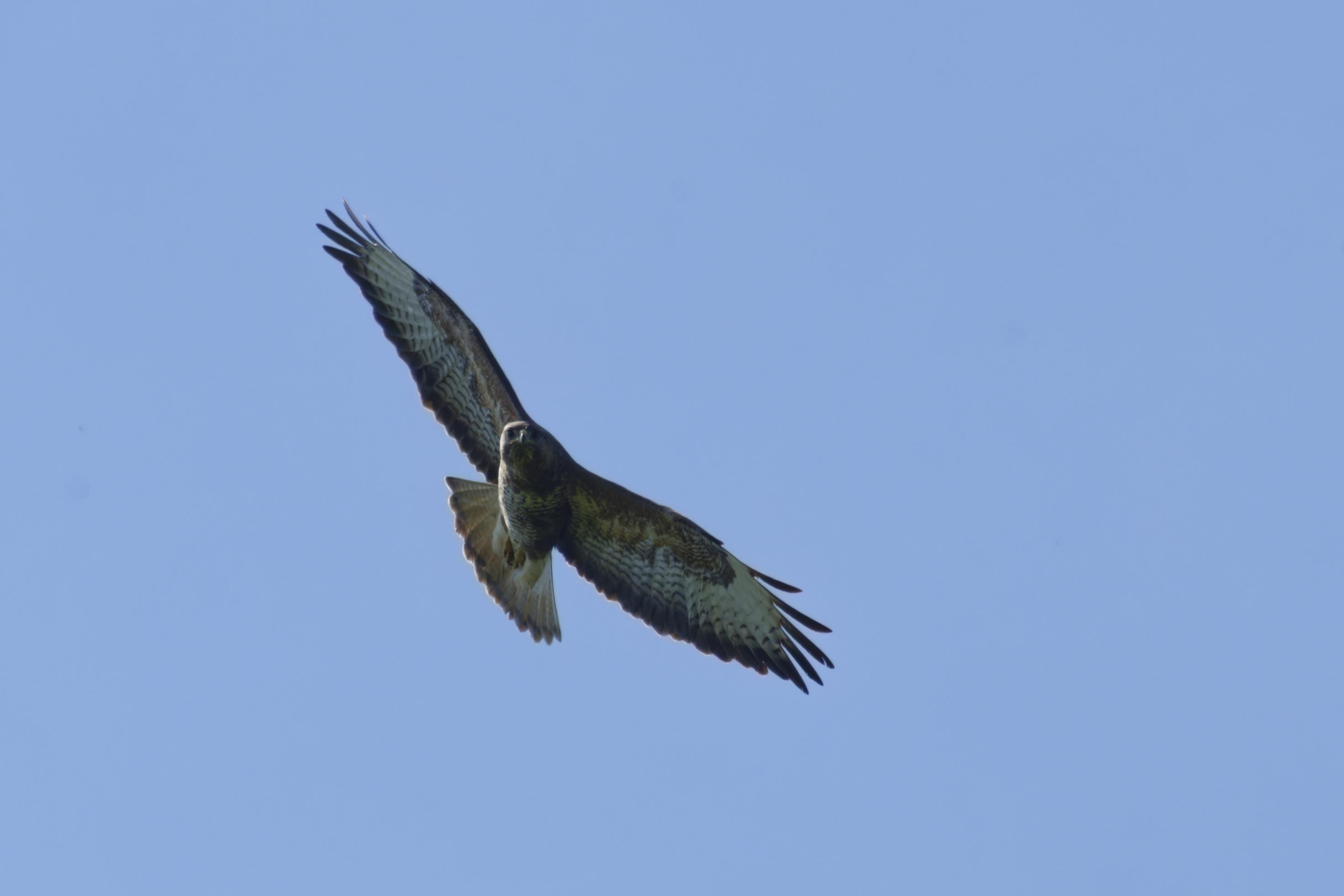
On my walk from Aylesbury to Princes Risborough I spotted a few new bird species. I didn't get all the best photos though!
A Common Buzzard, a Yellow Wagtail, a Greater White throat, and a Green Woodpecker.
#photography #Birds #BirdPhotogaphy #BirdsOfMastodon #nature #Buckinghamshire
Updated an alcohol shop
Updated 2 benches
Created a bench; Updated a bench
I hiked 19.0km in 4h35m50s
I hiked 19.0km in 4h35m50s
I walked 6.8km in 1h15m36s
Updated an estate_agent office
I walked 4.1km in 55m33s
I walked 1.1km in 10m05s
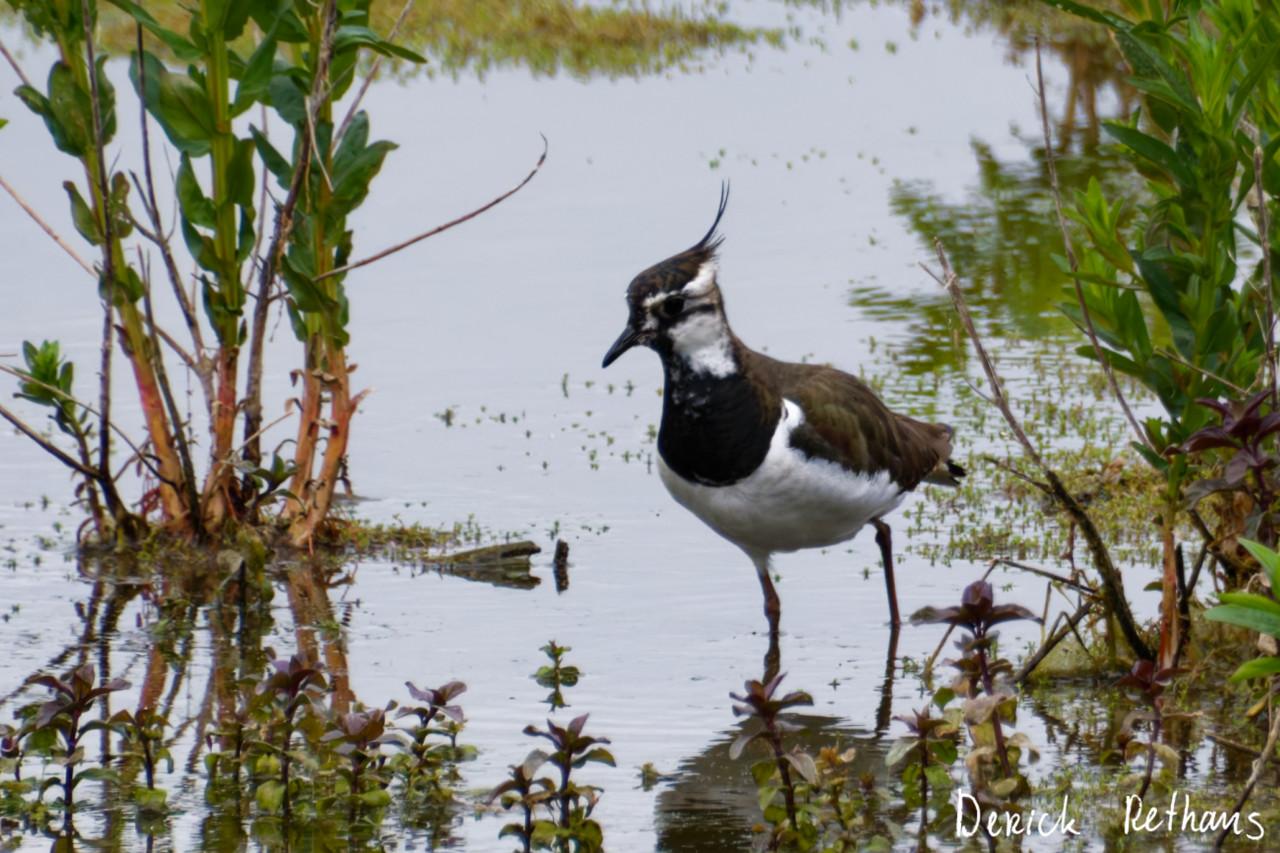
My First Lapwing!
I went to the London Wetland Centre yesterday, for a day out in nature.
While hiding in a hide, this chap and a friend showed up starting to forage for grubs.
#BirdPhotography #BirdsOfMastodon #Photography #Birds #London #Nature
Created a waste_basket; Updated a cafe and a restaurant; Confirmed an estate_agent office
I walked 6.6km in 1h8m53s
@bennuttall Are you at the Crucible this year again?
I walked 9.7km in 5h29m12s
Updated a gate
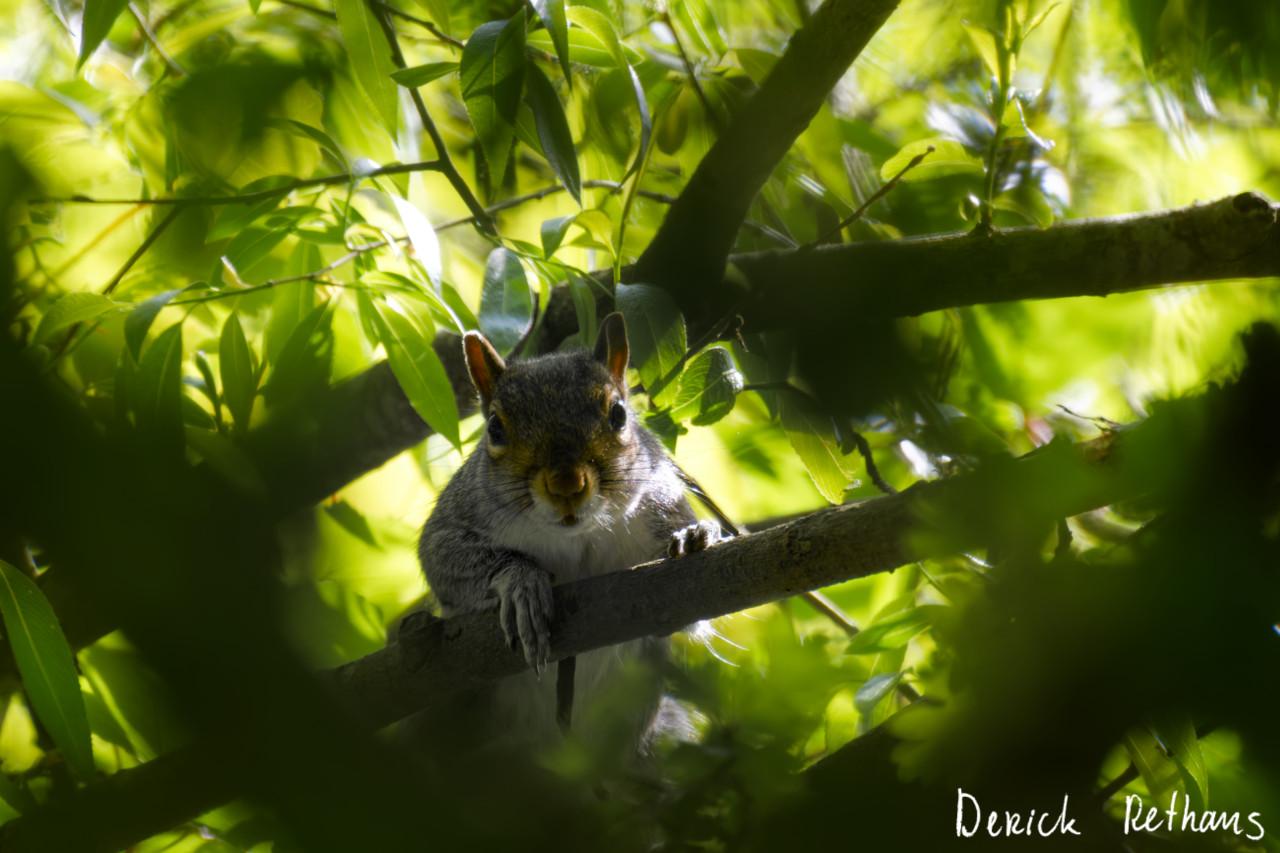
Staring Contest with a Squirrel
On my walk on the weekend, I sat down on a tree branch of a tree that had fallen over some time ago. Just listening to the birds.
Then after hearing rustling in the foliage above me, I looked up, and saw this chap staring at me.
#London #Photography #Nature #HampsteadHeath
I walked 3.0km in 41m38s
I walked 1.1km in 12m20s
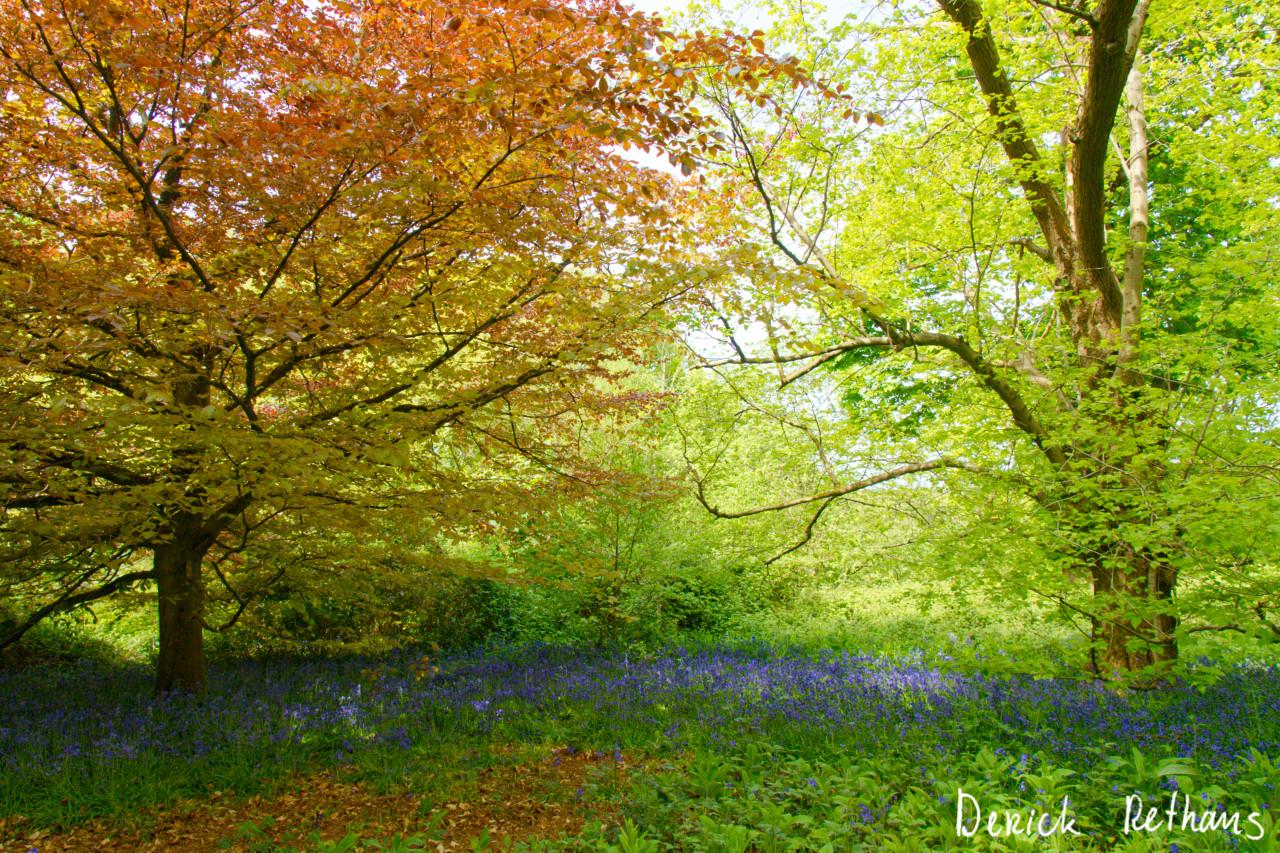
Bluebell Carpet
I had a lovely walk on Hampstead Heath yesterday, finding all the nooks and crannies away from the busy paths.
This field of bluebells under the colourful tree was a stand-out quiet spot.
#London #Photography #Nature #HampsteadHeath
I walked 2.3km in 21m51s
Fix paths
Shortlink
This article has a short URL available: https://drck.me/r400-b4d